Download Twitter/X Videos on Android. Fast and Free.
Share a post, paste a link, or browse x.com inside the app. Choose the quality you want and save it straight to your Android device.
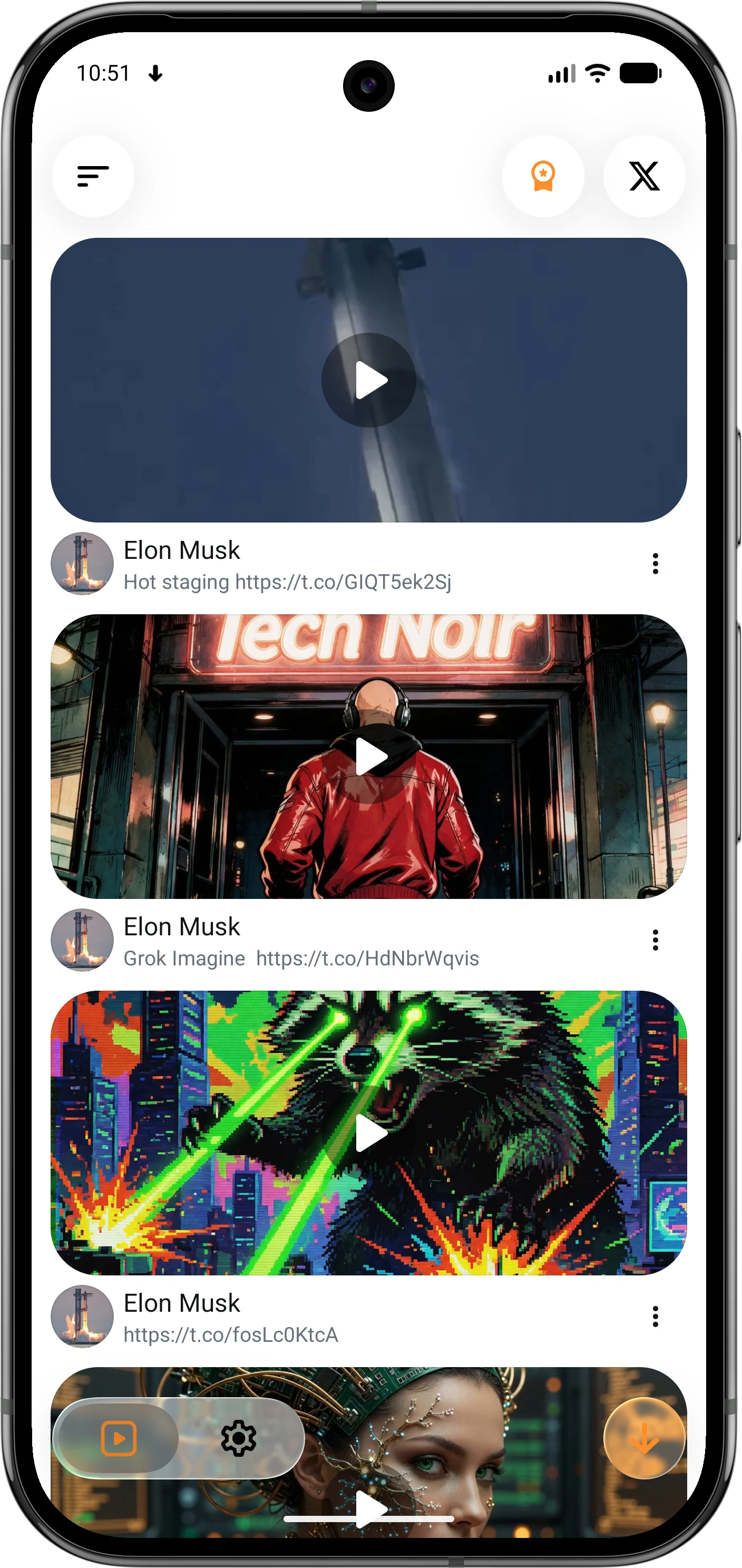
Features
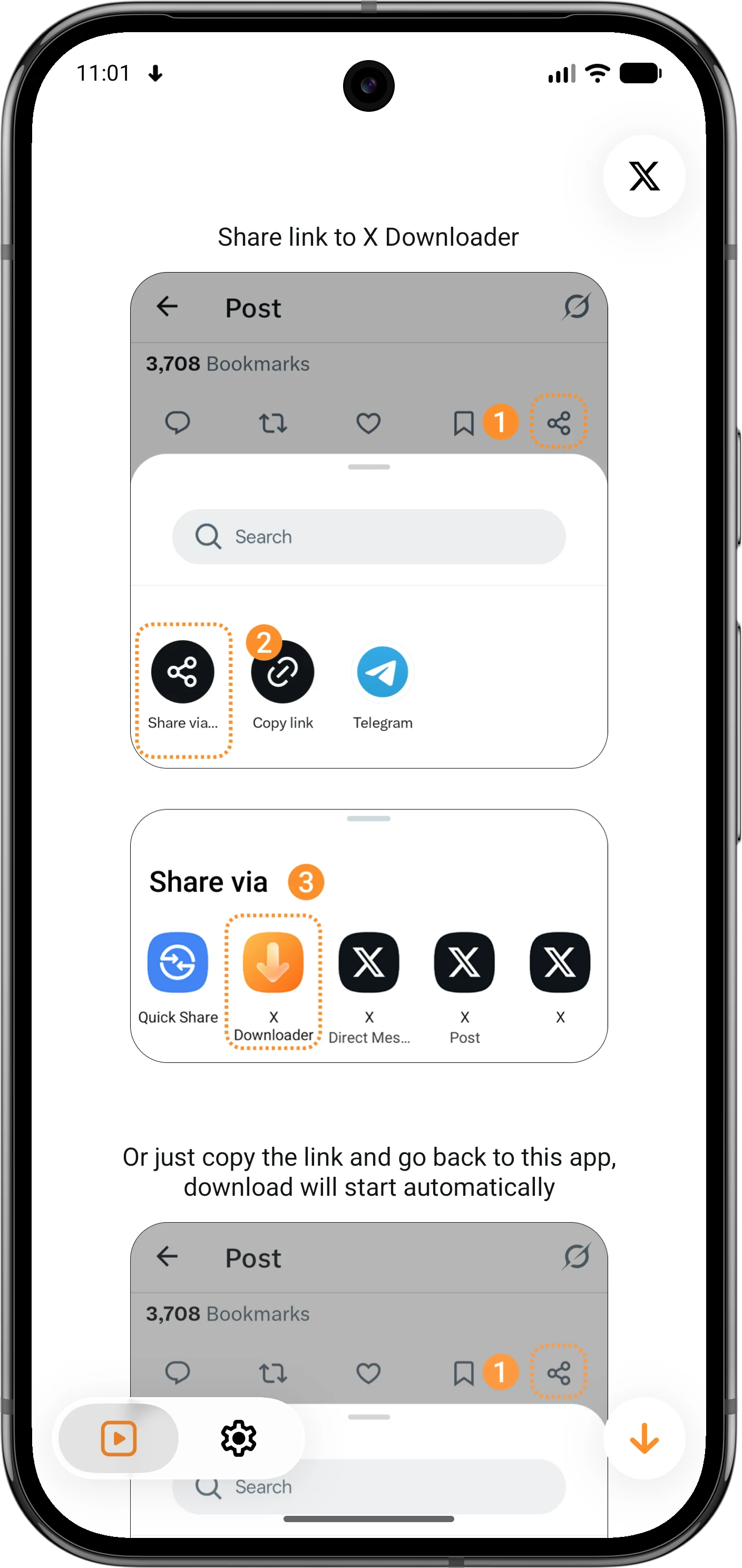
Start a Download Your Way
X Downloader fits into the way you already use X, so saving a post never feels like a separate workflow.
Share from X
Send a post to X Downloader from the Android share sheet.
Paste from Your Clipboard
Copy an X post link and let the app pick it up when you return.
Use the Built-in X Browser
Browse to a post and tap Download without switching apps.
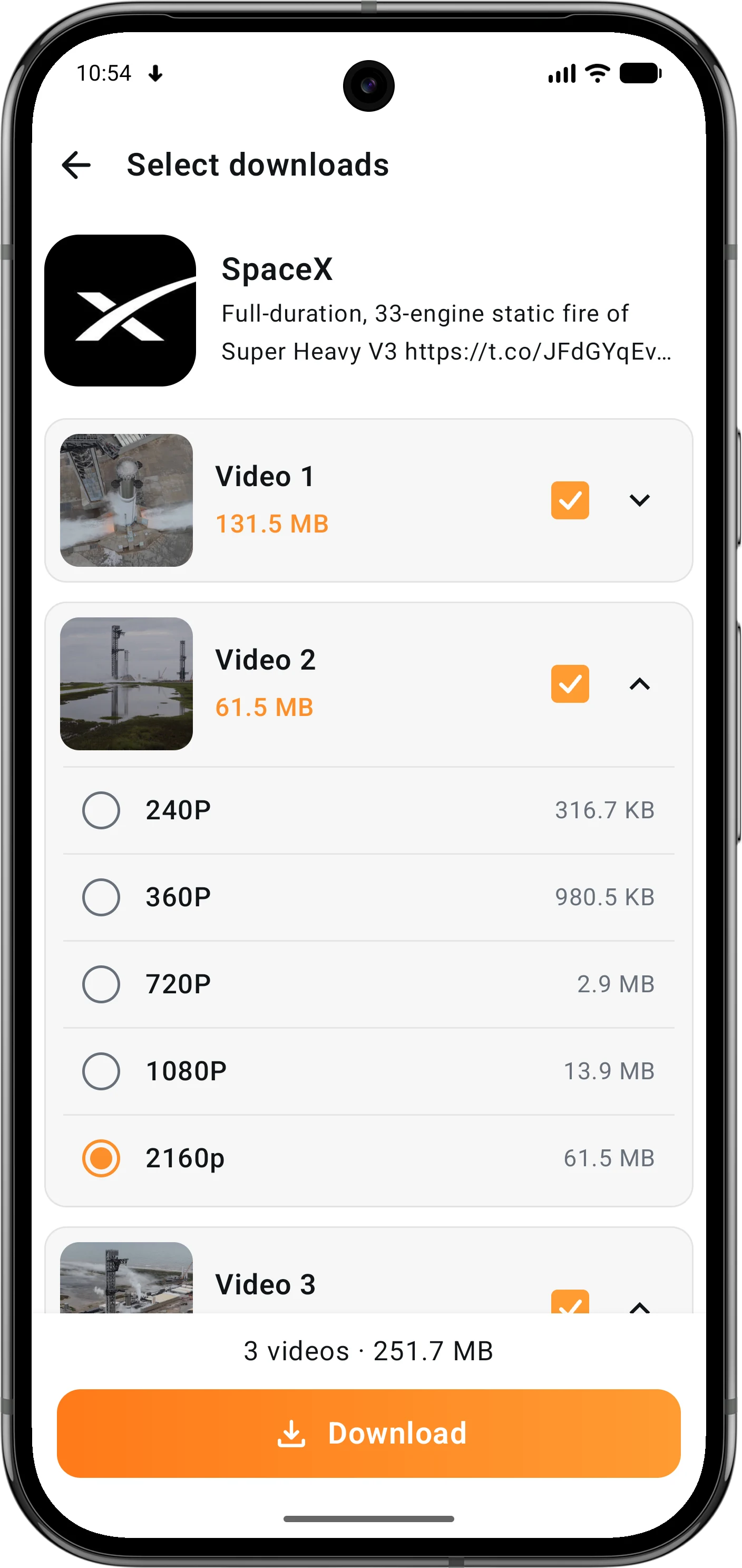
Choose Exactly What You Save
Preview the available media before downloading and keep the version that works best for you.
Pick Your Quality
Choose from every available resolution, from data-saving to high quality.
Handle Multi-video Posts
Select the videos you want and choose a quality for each one.
Videos and GIFs
Save both video posts and animated GIF content to your device.
Keep Downloads Organized
Download in the background, find saved media quickly, and make the app feel at home on your device.
Background Downloads
Keep downloads running while you move on to something else.
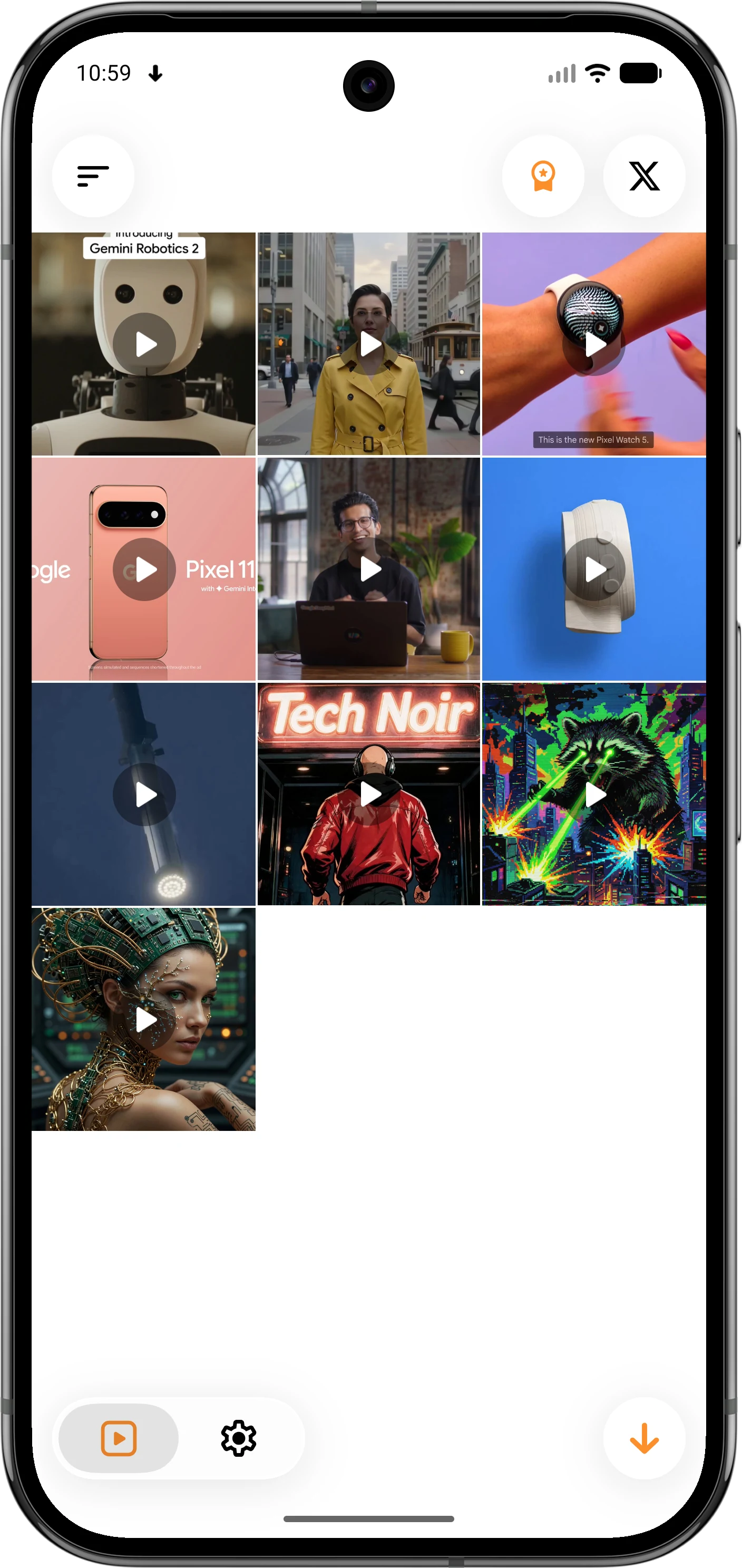
A Built-in Media Library
View, sort, select, save to Gallery, or delete downloaded media.
Comfort and Privacy
Use dark mode and protect Premium access with a fingerprint lock.
Free to Start. Pay Once for Premium.
No subscription and no recurring bill. Your local price is shown securely in Google Play.
FEATURES
What's included
- Save videos and GIFs from X
- Share, paste, or use the built-in X browser
- Choose the quality for each download
- Up to 10 background downloads
Premium
One-time
Pay once. Keep Premium for life.
Unlock the complete experience with no recurring subscription.
Get X DownloaderFEATURES
What's included
- Everything in Free
- Unlimited background downloads
- Lifetime ad-free experience
- Fingerprint lock for added privacy
- Purchase restoration through Google Play
From Post to Gallery in Three Steps
A focused download flow with control at every step.

Share or Paste
Start with any X post
Use the Android share sheet, copy a post link, or open the built-in X browser to begin.

Choose Your Media
Stay in control
Preview the media, select the videos you want, and choose the right quality for every file.

Save and Manage
Everything in one place
Let downloads run in the background, then find, sort, share, or move your media to Gallery.
3 ways
Share a post, paste a link, or download from the built-in X browser.
Your choice
Select the videos and quality you want before anything is saved.
Pay once
Unlock Premium for life with one purchase and no recurring subscription.
Keep the Videos You Want, Without the Extra Steps
Install X Downloader free from Google Play. When you are ready, upgrade once for unlimited background downloads, an ad-free experience, and fingerprint protection.